
1. Give your idea a beginning and an ending
Start with a character who wants something, an obstacle and a change by the ending. A small complete story is easier to direct than a collection of unrelated scenes.
Choose your language, aspect ratio, speech mode and target duration in the brief. A short comedy, a dramatic encounter or a narrated adventure can all start with the same question: what should the audience feel at the end?
2. Turn the story into shots
Develop the outline into a script with clear visual beats. Decide what happens on screen and what the audience hears. Use narration to carry context or character dialogue to let the cast speak for themselves.
Review each shot’s action and camera direction before generating media. Keep character roles explicit, and check that the spoken lines fit the planned pace. A target duration is a starting point; review the resulting clip lengths before your final export.
3. Build your cast and storyboard
Approve character and location references, then generate a frame for each shot. Compare costumes, faces, props and composition while changes are still easy to make.
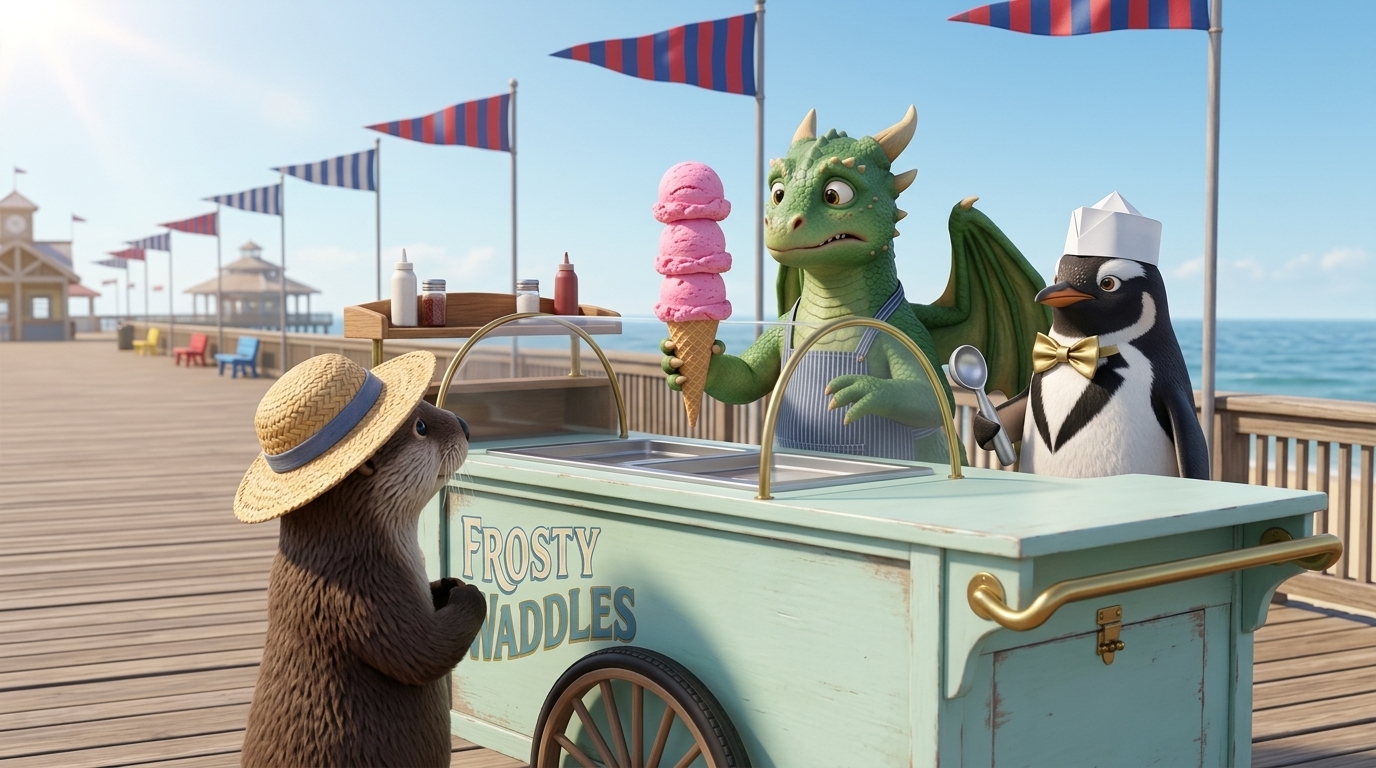
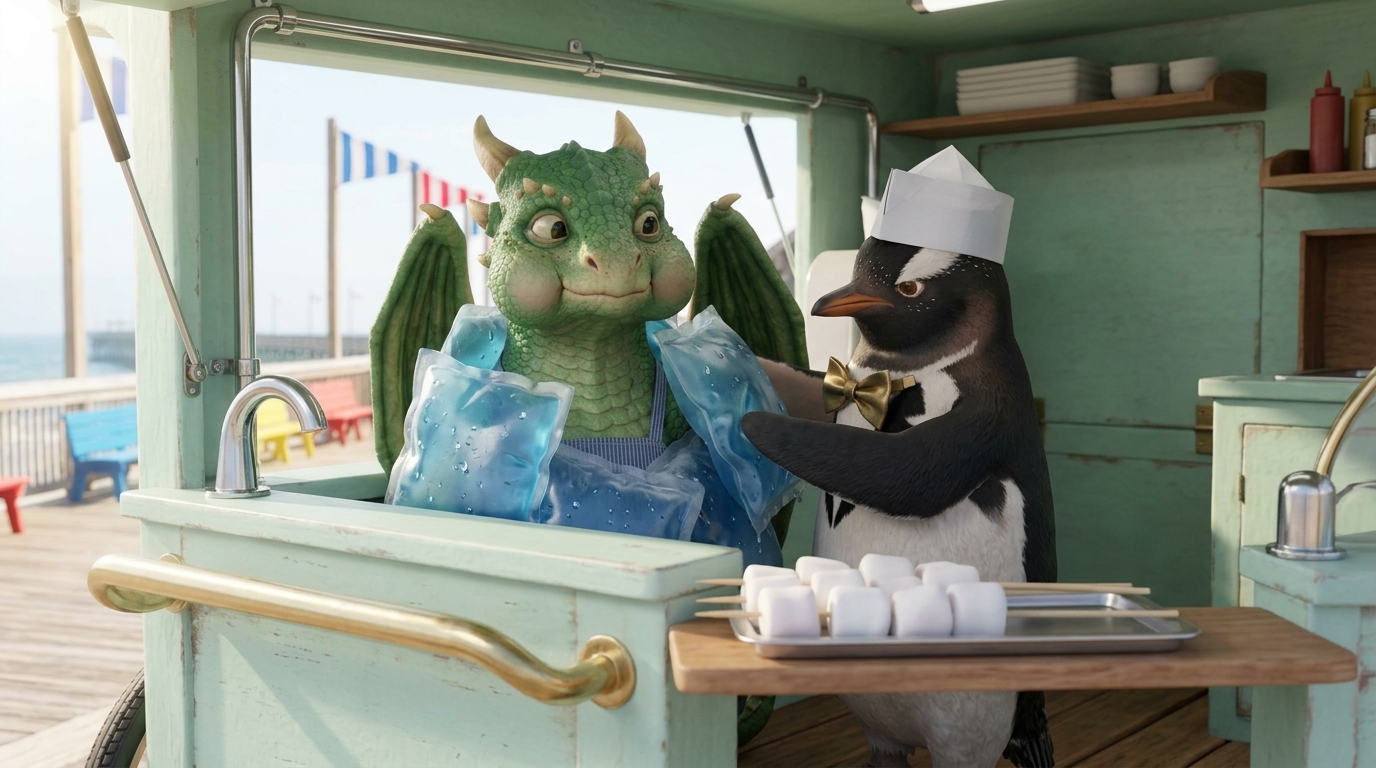
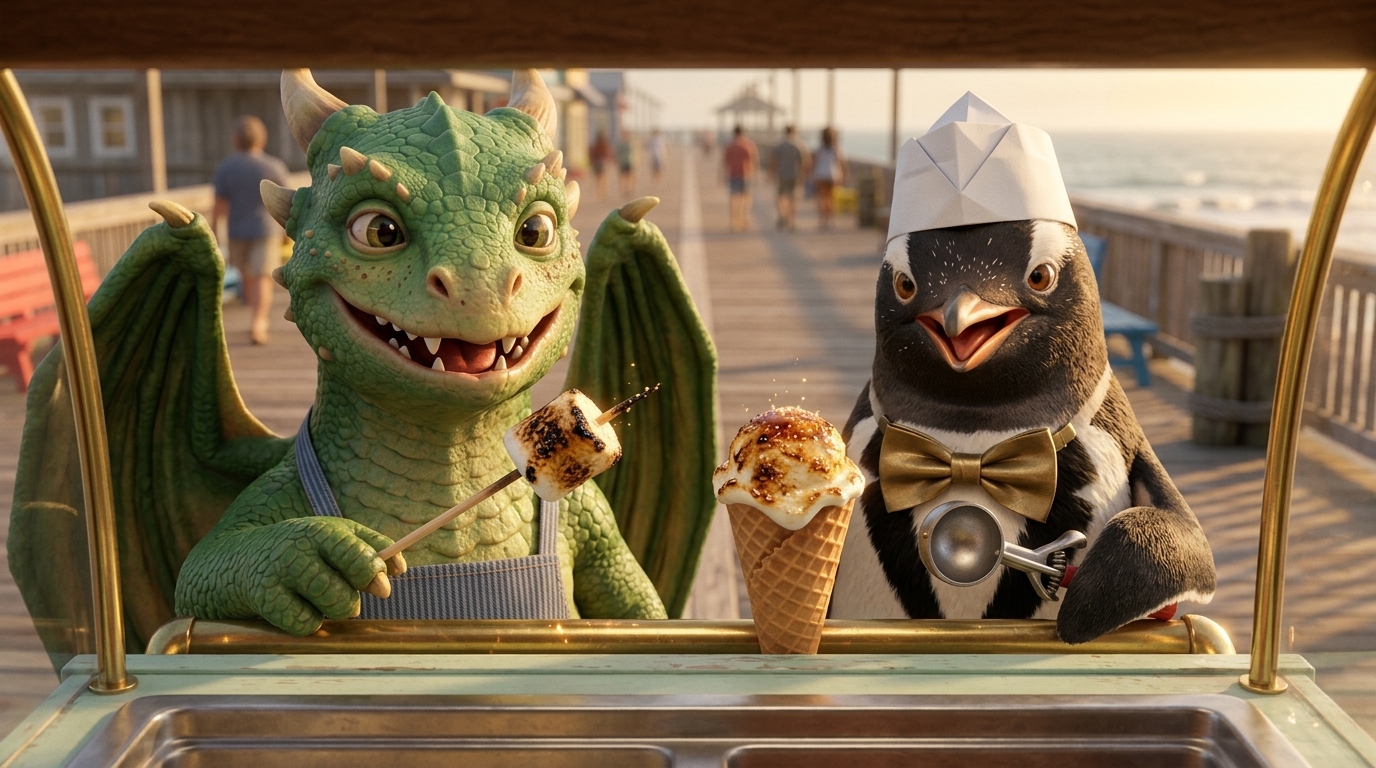
Review the narration alongside the image. For dialogue scenes, prepare your cast’s approved image and voice samples. See how character and voice continuity work.
4. Generate and review the footage
Turn approved frames and shot directions into clips. Watch for the action you intended: who moves, who speaks, where the camera looks and how the shot connects to the next one.
If a scene needs a change, clarify its direction and regenerate that clip. Keep the rest of your film moving forward. Review both the appearance and the performance before approving a take.
5. Add sound and finish the cut
Choose a background score that fits the feeling of your story. Review your narration or dialogue against the images, select the music and enable supported English narration subtitles.
Assemble the approved shots, watch the complete film and check pacing, transitions and caption placement. You can return to an individual shot when something needs another pass.
6. Plan your generation budget
Writing, reference images, frames, audio and video each use credits. Longer clips, different models and additional takes change the total, so review the app’s itemized estimate before confirming a generation.
Leave room for revisions. Approving the script and frames before animation helps you make creative decisions earlier. Compare plans and learn how credits work.
7. Choose your final deliverables
In Final Cut, select the generated score for each act or choose no music. Enable word-highlight subtitles for a supported English narrated cut. After assembly, download the MP4 and available SRT, VTT and asset ZIP files.
The asset bundle organizes clips and available frames and narration by shot, with selected music and generated subtitle files. Use those files for an external edit if your delivery needs one. It is a media handoff, not a native editing-app timeline. See the actual Final Cut workspace.
If you choose character dialogue for your own film, approve the cast’s images and voice samples and review the generated English performance. Automatic subtitles currently apply to supported English narrated cuts, not dialogue cuts. Compare the two speech workflows.
Make your first short
Your first outline and one AI revision are free. Script and media generation use a paid plan and credits. Review the itemized estimate before confirming each generation; another take uses additional credits. Start with the AI short film generator workflow. If your next idea belongs to the same world, set up a series for recurring episodes and reuse its production references.