
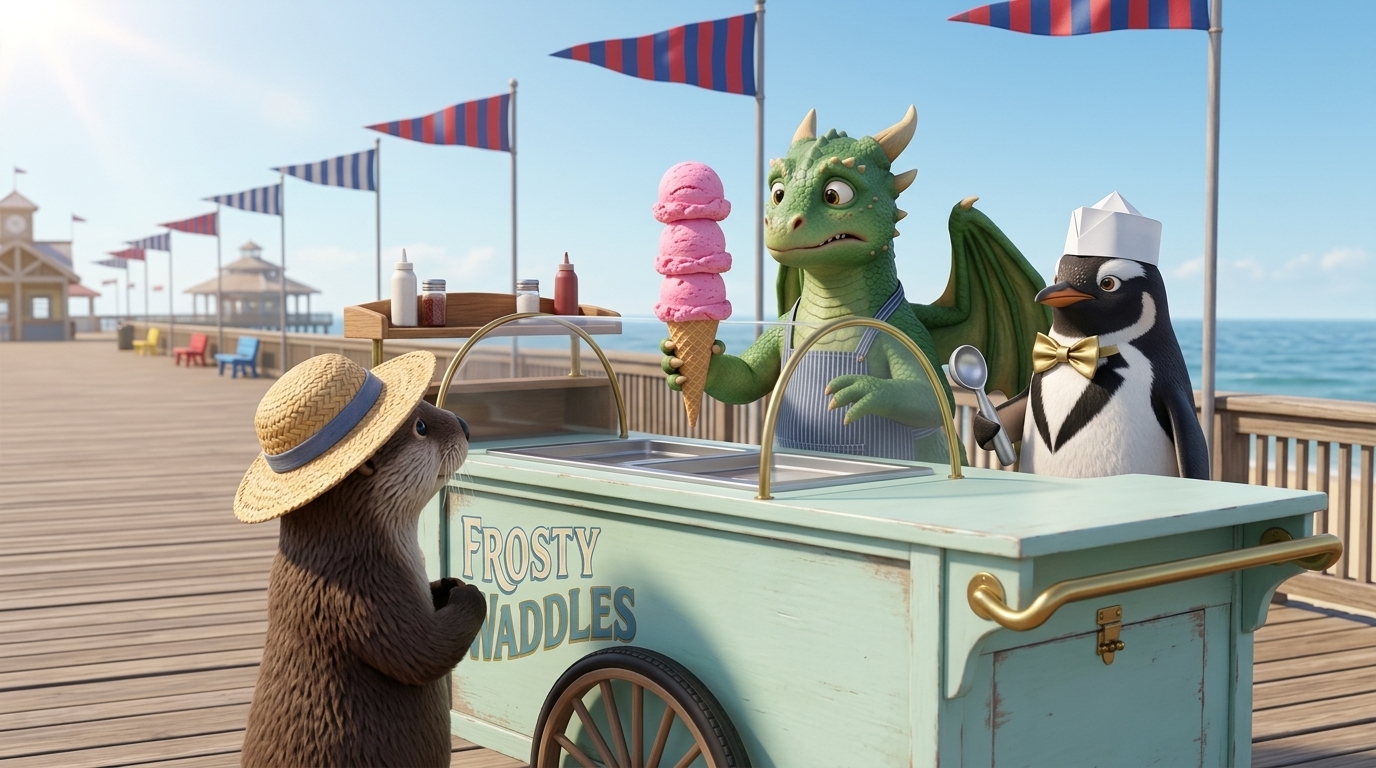
Your idea, brought to life
Give your story a cast, a setting and a moment worth watching. Create animated scenes, add narration or character dialogue, and bring the shots together with music and supported subtitles.
Direct the decisions that shape the film
Find the story in the brief
Define the character, setting, change and ending. Choose the language, aspect ratio, speech mode and target duration. A clear brief makes the outline easier to judge.
Refine the script before generating footage
Edit dialogue or narration and simplify each shot to an action a viewer can follow. Decide what the camera should show at the beginning and end.
Approve the cast and composition
Choose character and location references, generate storyboard frames, then review voice reads. Approve the ingredients before animation.
Review clips and finish the cut
Generate clips, inspect movement and continuity, and retake individual shots when needed. Choose music and available captions, then assemble and export.
Change a shot. Keep your story moving.
Keep the scenes you like and refine the one that needs work. Edit its direction, review the generated performance and choose another take before assembling your film.
That control matters when a gesture, camera cut or character action changes the meaning of a scene. Learn how to make a movie with AI, from your first idea to the finished cut.
Narrate the film or let your characters speak
Choose a narration-led film or an English dialogue project in the brief. For narration, edit each shot’s text, choose the voice and review the read before generating the clip. For dialogue, write the character lines and approve the speakers’ reference images and voice samples; the video model generates their speech within the clip.
This is a scene-production workflow for AI video with dialogue, rather than a standalone conversation-writing tool. Review the voices, spoken words and visible performance together. Reuse cast voices and references when those characters return. Choose the speech workflow that fits your story: a narrator guiding the audience or characters speaking within the scene.
Score the story, act by act
Write the music direction in terms of mood, instrumentation and energy. Ask for suggestions from the script or refine an existing direction, generate an instrumental track, then audition the available takes. Select a track or explicitly choose no music for each act.
Choose a playful rhythm for comedy, a restrained score for a quiet scene or a gradual build for suspense. The selected track becomes the background score in your assembled film. This is integrated scoring for your scenes; it does not require publishing a separate song.
Assemble approved shots into a finished video
Final Cut brings the included clips into shot order, overlays the approved narration reads or preserves dialogue audio, and adds the selected soundtrack. For supported English narration, you can enable word-highlight subtitles. Download the assembled MP4, review the result and keep earlier render versions as you refine the film.
New rendering is quoted before confirmation; an identical completed cut can be reused without another charge. Dialogue cuts currently lack automatic subtitles and SRT/VTT output. See the current subtitle support before planning your deliverables.
Export an asset ZIP for your next edit
The Assets ZIP groups the cut’s clips by shot, with available approved frames and separate narration files. It also includes the selected music tracks and generated subtitle files when available. Dialogue audio remains part of its video clip, rather than a separate clean dialogue stem.
| Download | Contents |
|---|---|
| MP4 | The assembled video with its audio and any enabled subtitles. |
| Assets ZIP | Shot clips, available frames and narration, selected music, and generated subtitle files. |
| SRT / VTT | Separate timed-text downloads for eligible narrated cuts when generated. |
These are media files you can import and arrange in your editor. The ZIP is not a native editable project or timeline for Premiere Pro, DaVinci Resolve or another editing app. See the real Final Cut export controls.
An AI filmmaking studio with room to direct
Shape the script, choose your cast and guide the action in each shot. Storygate keeps writing, references, narration and video together so you can review your story as it develops.
Download your finished video at up to 720p, or take the source assets into another editor for additional finishing. Model choices, clip duration and retakes affect generation costs; the app shows an estimate before you confirm.
Questions before you start
Can I make a full movie with AI?
This page demonstrates a short-film workflow. Build and validate a small complete story first. Longer projects require more scenes, continuity review, generation budget and potentially external finishing; the example does not establish feature-film production capability.
Can I try it for free?
Your first outline and one AI revision are free. Script and media generation use a paid plan and credits. Review the itemized estimate before confirming each generation; another take uses additional credits.
Can I reuse this cast in another film?
Use a series when you want shared character references, voices and production defaults for recurring chapters. You still review the generated output for each film.