
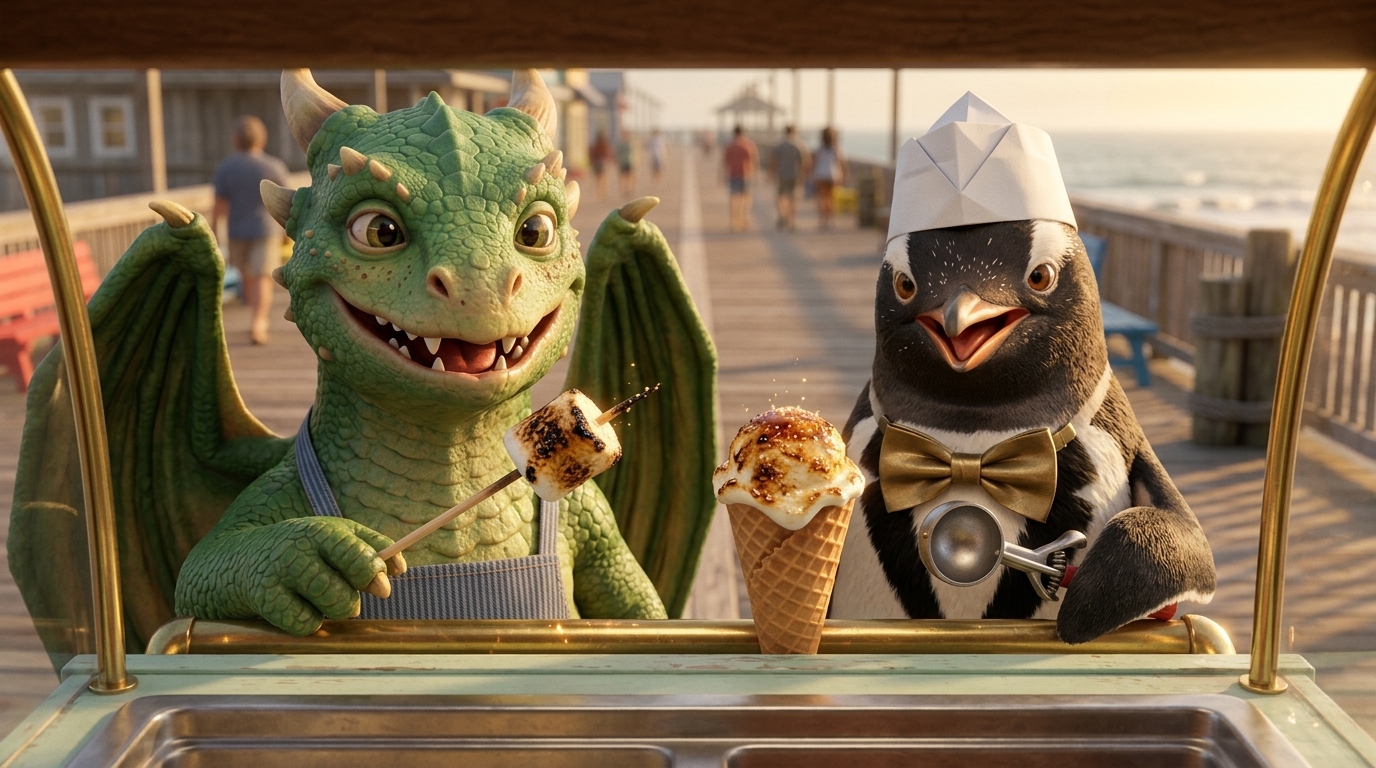
An episode generator with room to direct
An episode needs a beginning, a change and a reason to keep watching. Start with the event that makes this chapter different, while carrying forward the cast and visual direction that make it part of the same series. Storygate develops an outline and script before you spend on finished scenes.
Set up your series
Save a shared visual blueprint, character references, voice samples and production defaults. Give each recurring character a clear appearance and role.
Write the next chapter
Create an episode within the series. Review the brief, outline and dialogue or narration. State any facts from earlier episodes that this chapter depends on.
Review the returning cast
Check new frames against the approved references. Review the voice and performance for this episode before accepting the scene.
Assemble and continue
Approve clips, choose music and supported captions, then export. Use the same series for the next episode.
What carries across episodes
Series can reuse approved character references, voice samples, style direction and production defaults. These provide a shared starting point for the next episode. Your plot still needs editorial attention: review relationships, props, locations and changes in character appearance instead of assuming complete season memory.
A consistent reference is helpful; every generated frame and performance still deserves review. See how character consistency is reviewed with a real reference-to-scene example.
A returning cast needs returning voices
Choose narration or dialogue for the episode. Narrated series can save a default narrator for new episodes. Dialogue series reuse cast members with their approved voice samples and performance direction, alongside their visual references.
English dialogue creates on-camera speech within the generated clip; narration is a separate voiceover read reviewed before animation. Learn how narrator and character voice continuity differ. Listen to each result before accepting it—the same reference does not guarantee an identical performance.
Give each chapter its own finish
Direct instrumental music for each act, choose the take you want or select no music, then assemble the approved shots. Supported English narrated cuts can include word-highlight subtitles and generated SRT/VTT files. Cuts containing dialogue currently have no automatic subtitle output.
Download the final MP4 and an asset ZIP for further editing. Your series provides the shared cast and direction; each episode keeps its own soundtrack, cut and exports.
An AI animated series, from first episode to finale
The New Baby follows Biscuit the dog, Mochi the cat and a growing family across five short episodes. Watch the first chapter here, then see how the returning cast appears throughout the published series.
- EPISODE 1 / 5
Something’s Up
The dog and cat discover a big change is coming.
- EPISODE 2 / 5
The Smell
The baby arrives, and Mochi wants her sunny spot back.
- EPISODE 3 / 5
The Noise
A 3am cry sends Biscuit searching for a solution.
- EPISODE 4 / 5
The Crawl
A crawling baby discovers a very tempting cat tail.
- EPISODE 5 / 5
First Word
The family waits for the baby’s first word.
Want to make your own? Start with a premise and a cast you can return to. Reuse character references and review continuity as each new episode develops.
How to make an animated series with AI
Give the cast a reason to return
Choose a premise that can support several small stories. Define each character’s appearance, personality and role, then save your series references and production defaults.
Plan one complete episode at a time
Give each chapter its own setup, change and ending. Include the previous story facts that matter in the new brief, and review the outline and script.
Check continuity before animation
Compare storyboard frames with your character references. Listen to narration or English dialogue, review the timing and regenerate the individual parts that need correction.
Finish, publish and continue
Assemble approved shots with selected music and supported subtitles. Export the MP4, publish it yourself on your chosen platform, and create the next episode using the same series.
Character references help support continuity. Review each generated shot and refine any details before publishing.
Start your AI series with a complete chapter
Turn a TV-show idea into short episodic videos, starting with a chapter you can finish. Set a target duration, develop the story and review the proposed shots before generating footage. Keep the same cast and style available as your series grows.
For a standalone story, explore the AI short film generator. For a voiceover-led channel, see the faceless video workflow.
Tell stories in your audience’s language
Create narrated stories in 22 languages, including Hindi, Nepali, Spanish, French and Arabic. Choose the content language in the brief and review wording, pronunciation and timing before generating the video. A narrated series can also keep a default narrator for new episodes.
See all supported narration languages and the workflow. Character dialogue and automatic subtitles currently support English only.
Questions before you start
Does this generate video or just an episode script?
The workflow includes outline and script development, reference images, storyboard frames, audio, animated clips and final assembly. You review the stages along the way.
Can I make dialogue scenes?
Storygate supports dialogue and narration workflows. Choose voices for your cast and review each performance as you build the scene.
Can I try it for free?
Your first outline and one AI revision are free. Script and media generation use a paid plan and credits. Review the itemized estimate before confirming each generation; another take uses additional credits.